Logitech G203 Lightsync Guide: The Right Way to Start the Budget → Premium Loadout
Researched with AI · Being re-checked by the Operator

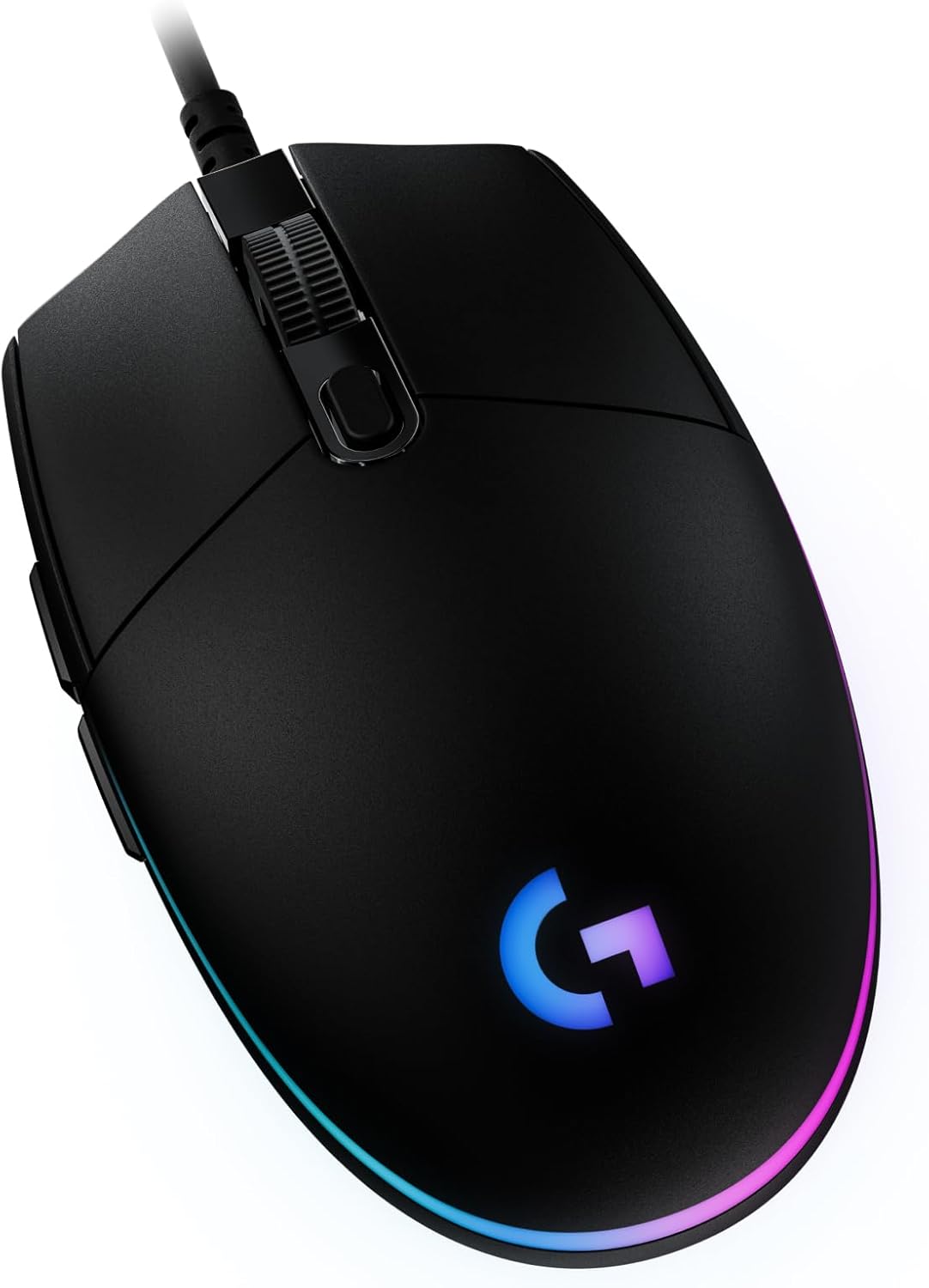 Researched pick · Researched with AI · not a hands-on review
Every loadout needs an entry point that doesn't feel like a compromise, and the G203 Lightsync is why this one starts here instead of somewhere cheaper. It's the mouse GamesRadar+ flatly called the strongest value play on the market for the price.
A wired, budget-tier gaming mouse from Logitech's G-series, built to prove a genuinely usable mouse doesn't require premium pricing. It's the mouse this loadout upgrades away from once you're ready for the G Pro X Superlight 2, not a mouse you'll regret buying in the meantime.
Specs
- Sensor / Max DPI: 8,000 DPI, adjustable in 50 DPI increments via a dedicated button beneath the scroll wheel
- Default DPI out of the box: 3,200 DPI; full 8,000 DPI range requires Logitech's G Hub software
- Buttons: Six programmable buttons, including two macro buttons above the thumb rest
- Dimensions: 4.6 x 2.5 x 1.5 in
- Weight: 2.1 oz
- Connection: Wired only
- Lighting: Full RGB via LIGHTSYNC, including an audio-reactive visualizer mode
Why it's the pick
Trusted Reviews' verdict lands on exactly the audience this loadout targets: casual and new PC gamers, not competitive tryhards chasing every millisecond. PCWorld's testing found the build quality punches well above the price point, describing a sturdiness normally reserved for pricier mice. RTINGS' hands-on backs this up on the performance side, citing extremely low click latency and a wide, usable CPI range.
Where it falls short
The trade-offs are honest ones for the price. It's only truly comfortable for right-handed use despite a symmetrical shell. Tom's Guide flagged the lack of extra features as the main con, alongside that same one-handed limitation. And longer-term ownership reports flag the scroll wheel and side buttons as the parts most likely to develop double-click issues after extended use — a fixable but annoying failure point if you're not comfortable swapping hardware yourself.
Who it's for
New PC gamers, or anyone assembling this loadout who wants a mouse that won't need replacing before they're ready to step up. If precision is the priority from day one instead of budget, skip straight to the G Pro X Superlight 2 or, for a mechanical-first budget keyboard pairing, see the Redragon K552.
Sources
- GamesRadar+ — Logitech G203 Lightsync review
- Trusted Reviews — Logitech G203 Lightsync Review
- RTINGS.com — Logitech G203 LIGHTSYNC Review
- PCWorld — Logitech G203 LightSync review
- Tom's Guide — Logitech G203 Lightsync review
- Gaming Nexus — Logitech G203 Lightsync Review

Guides are researched with AI and checked by the Operator. How KYRA.GG works →