ASUS ROG Rapture GT-AXE16000 Guide: The Router This Whole Build Is Wired Around
Researched with AI · Being re-checked by the Operator

 Researched pick · Researched with AI · not a hands-on review
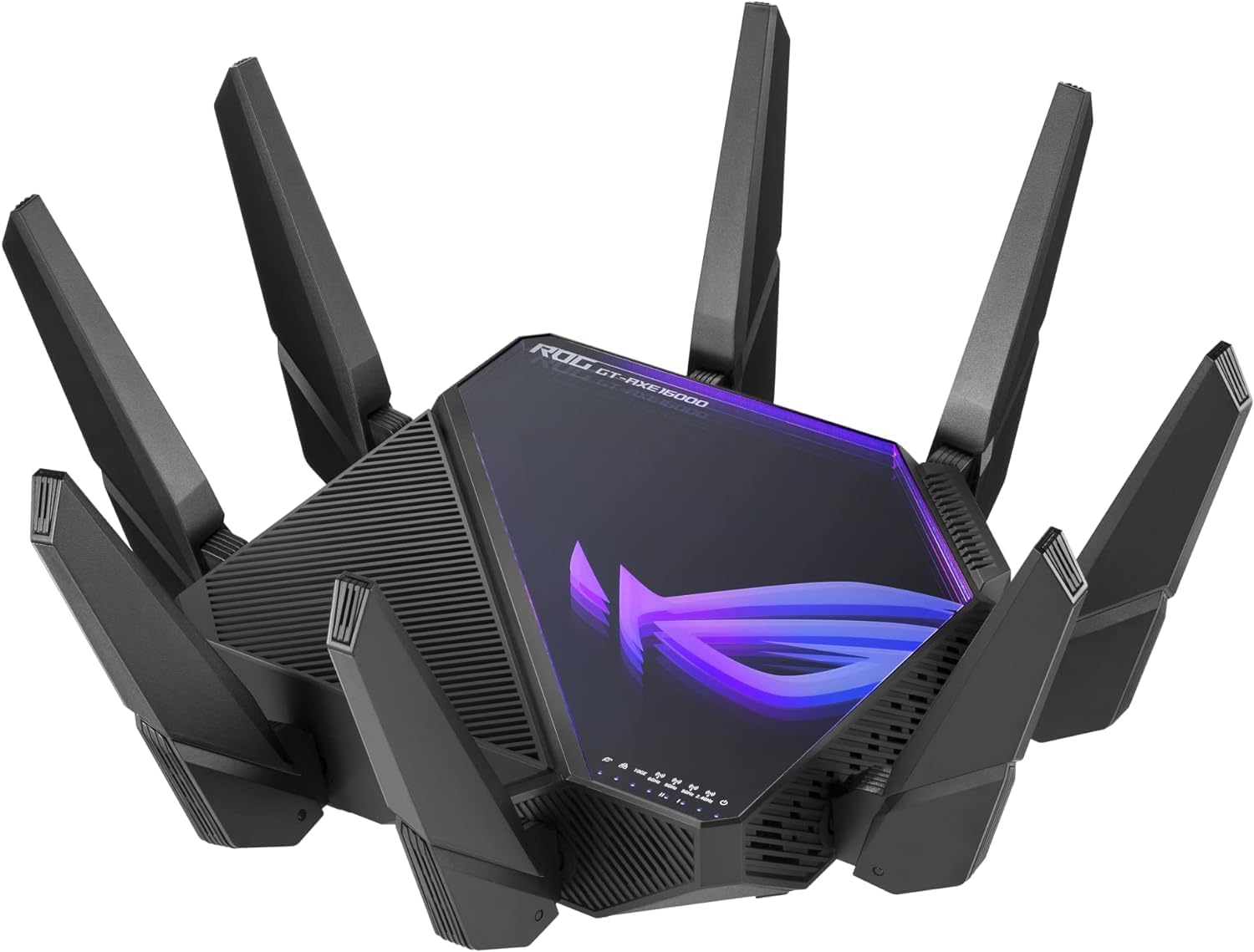
Every other piece of this networking build assumes this router is already in place. The mesh node extends it, the switch hangs off its LAN ports, and the whole point of running a 10G-capable router on a Starlink connection is that the satellite link is no longer the bottleneck — your local network is, unless the hardware is actually rated for it.
The GT-AXE16000 is ASUS's flagship WiFi 6E gaming router: quad-band, dual 10-gigabit ports, and the kind of QoS controls that matter once you've got a mesh node, a switch, and a dozen devices all sharing one satellite connection.
Specs
- Wireless: Quad-band WiFi 6E (2.4GHz, 5GHz-1, 5GHz-2, 6GHz)
- Wired ports: Dual 10G ports (2.5G WAN also supported)
- Mesh: AiMesh-compatible for whole-home expansion
- Range/acceleration: Extendable RangeBoost, triple-level game acceleration
- Advanced QoS for prioritizing gaming traffic over a shared connection
Why it's the pick
Two things matter for a Starlink-fed home network: enough wired bandwidth that the satellite link is the actual ceiling, and a mesh path that doesn't introduce a second point of failure. The dual 10G ports handle the first — one for the incoming Starlink Ethernet Adapter feed, one for a wired backbone to a switch or NAS. AiMesh compatibility handles the second: adding the ZenWiFi ET9 node later doesn't mean a second app, a second network name, or double-NAT headaches, because it's the same ecosystem instead of a bolted-on second brand.
Where it falls short
It's a large router with a large power draw and a price tag to match — overkill if the household isn't actually pushing multi-gig traffic locally (streaming devices, LAN gaming, a home server). The WiFi 6E 6GHz band also has a shorter effective range through walls than 5GHz, which is exactly why this build pairs it with a mesh node rather than expecting one router to cover a 3-4 bedroom home alone.
Who it's for
Anyone building a serious wired-and-wireless network around a Starlink connection, not just plugging in the stock Starlink router and calling it done. If the household is smaller or the traffic needs are lighter, the TP-Link switch and a simpler router combination is enough — see the network switch review below.
Sources
- Amazon.ca — ASUS ROG Rapture GT-AXE16000 product listing
- Netgear — What's The Best Router for Starlink?

Guides are researched with AI and checked by the Operator. How KYRA.GG works →